Official Support Area, Q&As, Discussions, Suggestions and Bug reports.
Forum's Guidelines
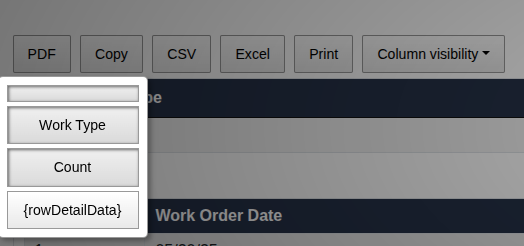
Sorry for the delay. I think there are 2 solutions for this case:
//javascript
$('#example').DataTable({
    ...
    buttons: [
        {
            extend: 'colvis',
            // Exclude any column with the 'noVis' class
            columns: ':not(.noVis)'
        }
    ],
    columnDefs: [
        {
            targets: [0], // For example, the first column
            className: 'noVis'
        }
    ]
});
or:
// javascript
buttons: [
    {
        extend: 'colvis',
        // Only show columns 1, 2, 3, 4, and 5 in the menu
        columns: [1, 2, 3, 4, 5]
    }
]
Pls convert this javascript to PHP array in your DataTables widget. Let us know how they work for you.
Let KoolReport help you to make great reports. It's free & open-source released under MIT license.
Download KoolReport View demo